Garmin and Waze cycling alerts are a new road-awareness feature designed to help drivers notice cyclists before they reach them. Announced on November 10, 2026, the partnership connects Garmin LiveTrack with the Waze navigation app. When a compatible Garmin user opts in during an outdoor cycling activity, nearby Waze drivers can receive a cyclist alert and see a moving rider icon on the map.
The idea is simple, but the details matter. The feature does not detect every bicycle, does not replace safe passing behavior, and is not available in every road environment. Here is how Garmin Waze cycling alerts work, what information is shared, which limitations riders should understand, and how the feature fits into a wider cycling safety setup.
What Are Garmin and Waze Cycling Alerts?
Garmin and Waze have connected two systems that were originally designed for different users. Garmin LiveTrack lets a cyclist share an active ride with selected contacts. Waze gives drivers navigation guidance and community-based road alerts. The new partnership allows an opted-in Garmin cyclist to appear temporarily in Waze as a nearby cyclist.
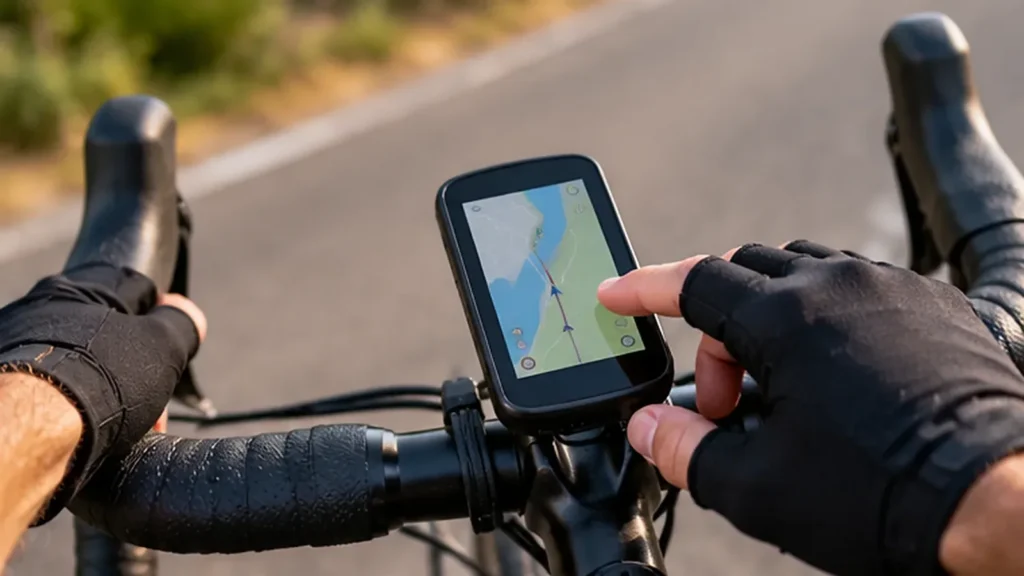
Garmin says the feature works with compatible Edge bike computers and Garmin smartwatches. The cyclist uses Garmin Connect and LiveTrack on a compatible smartphone to enable sharing. A driver does not need a Garmin device. The driver needs to be using Waze and be in a location where cyclist alerts are supported.
How Does the Garmin LiveTrack and Waze Feature Work?
The system relies on an active ride rather than a permanent public profile. A cyclist first enables the relevant sharing option through Garmin Connect. When the rider starts an outdoor cycling activity on a compatible Garmin device with LiveTrack active, the rider’s presence can be shown to nearby Waze users.
- Check device compatibility. The bike computer or smartwatch must support Garmin LiveTrack, and the rider needs a compatible smartphone with Garmin Connect.
- Review Garmin Connect permissions. Open the app and look for the Waze or Live Cycling Alerts sharing option. The feature is opt-in, so do not assume it is enabled automatically.
- Start an outdoor cycling activity. Use the compatible Garmin device and start LiveTrack for the ride.
- Allow the session to run. While the activity is active, Waze may show a nearby cyclist icon and alert participating drivers.
- End the activity when finished. Garmin and Waze say the sharing is temporary and stops when the ride ends.
Garmin describes LiveTrack as a free feature for compatible devices. The Waze integration is an extension of that service, not a separate cyclist subscription. However, the rider still needs the supported hardware, phone, app setup, location permissions, and an active data connection.
For the official setup and launch details, see Garmin’s announcement and the Waze and Google explanation.
What Will Drivers Actually See in Waze?
Drivers can receive a visual notification and see an active cyclist icon on the Waze map when an opted-in Garmin rider is nearby. The purpose is to prompt the driver to pay attention, reduce speed when appropriate, and share the road carefully. It is an awareness cue, not a command to brake suddenly or make an unsafe maneuver.
Waze says the alert does not display the cyclist’s name, identity, or exact route. The icon represents a nearby rider rather than providing a public rider profile. The alert also ends when the Garmin activity ends, which limits how long the rider appears in the system.
Important Limitation: Alerts Are Not Shown on Every Road
One detail deserves special attention before riders rely on the feature. Waze’s current help page says cyclist alerts are designed for high-speed and countryside roads where visibility may be limited. It also says the alerts do not appear in urban areas and may not be available in all countries.
This means the feature should not be described as a universal city-cycling warning system. A rider commuting through dense downtown streets may not see the same benefit as someone riding a rural road or a higher-speed route. Availability can also depend on the country, supported device, phone setup, and whether the driver is actively using Waze.
Waze explains how drivers can manage the alerts in its Manage cyclist alerts help article. That page also explains that an alert may not appear if a cyclist is not using a compatible Garmin device or has not opted in to live location sharing.
Privacy: What Location Information Is Shared?
Location sharing always deserves a careful look, even when a feature is designed for safety. Garmin and Waze describe this integration as optional, temporary, and session-based. Waze drivers see a nearby cyclist alert, not the rider’s name, identity, or exact route.
Before opting in, review Garmin Connect’s location permissions and the sharing controls presented in the app. Check that the feature is enabled only when you want it. If you lend your phone or Garmin device to someone else, review which account and device are active. If you do not want the integration, leave the option disabled.
For more detail on how location alerts are presented to drivers, read Cyclingnews’ coverage of the Garmin and Waze partnership and 9to5Google’s explanation of the rollout.
What the New Alerts Cannot Do
Garmin Waze cycling alerts are not a collision-warning guarantee. They do not force a driver to slow down, create a safe passing distance, or prevent a crash. They only reach drivers who are using Waze in a supported location while a compatible Garmin cyclist has opted in.
The feature also does not replace a rear-view mirror, shoulder checks, bright daytime lights, reflective clothing, or good road positioning. A driver may miss an alert, misunderstand it, or be too close to react comfortably. Cyclists should never assume that a vehicle has seen them just because the Waze integration is available.
How It Compares With Bike Radar and Smart Lights
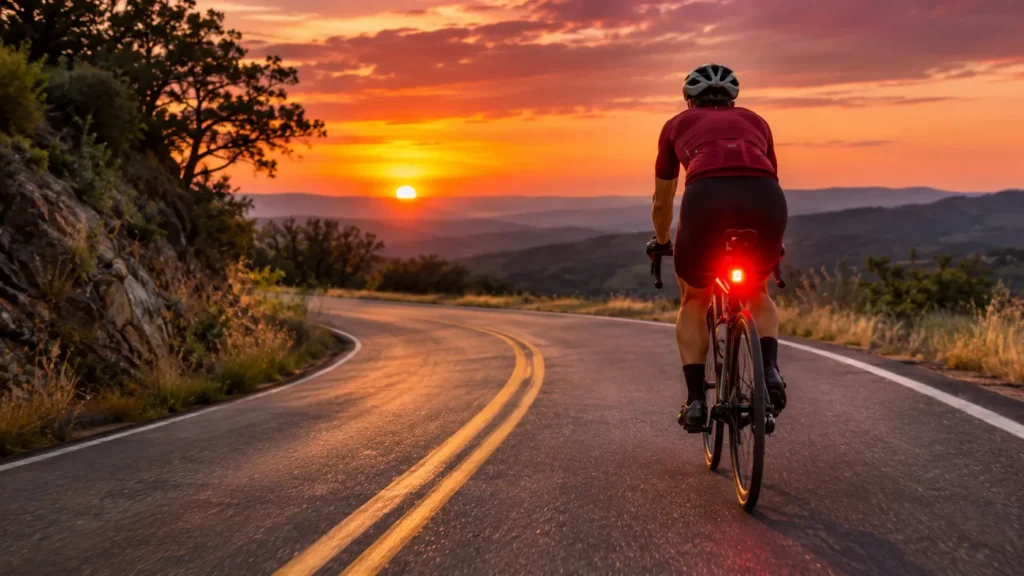
The Waze integration works in the opposite direction from a rear radar. A radar unit alerts the cyclist to vehicles approaching from behind. Waze alerts a participating driver that a cyclist is nearby. The two approaches can complement each other, but they do not share the same job.
A rear radar can be useful even when a driver is not using Waze. A bright rear light helps motorists notice a bicycle in daylight or low light. A camera can record events, depending on the device and setup. For a deeper overview, see iBikeBlog’s guide to radar cameras and bike dash cams and the article on the Lezyne Radar Pro 300.
Our broader guide to AI bicycle safety systems explains how radar, connected devices, and predictive alerts fit into the wider evolution of cycling protection. For commuters, the article on urban commuting and e-bike adoption explores why infrastructure and predictable road design remain essential.
Practical Checklist for Cyclists and Drivers
For cyclists who want to use the feature, start with a short test ride in a supported area. Confirm that Garmin Connect is paired correctly, LiveTrack is active, and the Waze sharing option is enabled. Check phone battery level and mobile data availability before a long ride. Do not use the phone while moving; set up the device before departure.
Drivers should keep Waze notifications at a safe volume and avoid interacting with the phone while the vehicle is moving. If an alert appears, scan the road ahead and reduce speed when conditions require it. Never make a sudden lane change or hard brake solely because an icon appears on the map.
Final Thoughts
Garmin and Waze cycling alerts are a useful step toward making cyclists more visible to drivers who use connected navigation. The partnership turns Garmin LiveTrack into a road-awareness signal that can appear in Waze without publicly identifying the rider or exposing an exact route.
Its value depends on compatible Garmin hardware, an active outdoor ride, opt-in sharing, Waze use by nearby drivers, and regional availability. Because Waze currently limits alerts to supported high-speed and countryside roads rather than urban streets, cyclists should treat the feature as an extra layer of awareness, not a replacement for lights, radar, safe riding habits, or protected infrastructure.